How to Start Amazon KDP in 2025: A Step-by-Step Guide for Beginners
Starting on Amazon KDP (Kindle Direct Publishing) in 2025 might feel confusing. The market is bigger than ever, but so is the competition.
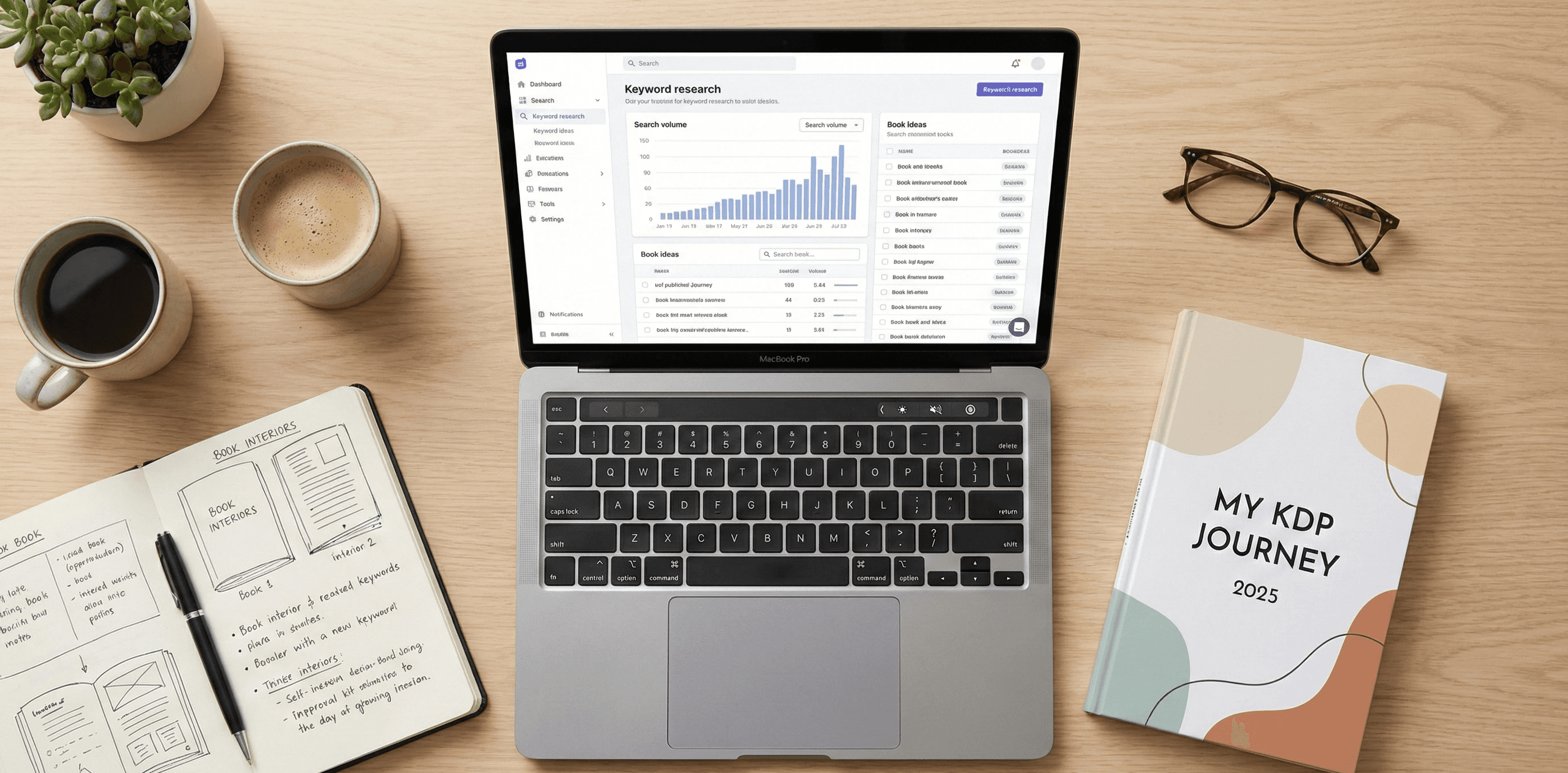
Starting on Amazon KDP (Kindle Direct Publishing) in 2025 might feel confusing. The market is bigger than ever, but so is the competition.
Here’s the thing: It's still possible to make money publishing simple books, like low-content or no-content books (think planners, journals, coloring books). You just need a clear strategy.
This guide breaks down the whole process into five simple steps. No complex terms, just how to actually get your first book live on Amazon.
Step 1: 🔎 Find Your Niche (The Right Way)
Before you write or design anything, you need to know what people are actually searching for on Amazon. This is the most important step. If you skip it, your book will just get lost.
You don't want to compete with famous authors or big publishing houses. You want to find those small, underserved pockets in the market.
Here’s how it works:
Look for low-competition keywords: A good niche has high demand (lots of people searching) and low supply (not many good books already there).
Go specific: Don't publish a "Journal." Publish a "Journal for new Dads turning 40" or a "Gratitude Planner for Night Shift Nurses." The more specific, the better.
A great way to speed this up is to use a dedicated tool like NicheFlow.app. It helps you see the actual search volume and competition level for keywords directly on Amazon, which saves you a ton of time trying to guess.
The goal here is simple: Find three to five ideas that you know people are looking for before you spend time creating the book.
Step 2: ✍️ Create Your Book's Content
Now you know the niche, so it's time to build the book. For a beginner, the fastest way to get started is with low-content or no-content books.
No-Content: This is literally an empty book with a structure. Examples: lined journals, blank sketchbooks, music composition notebooks. You just design the inside template once and repeat it.
Low-Content: These have some basic text or design elements. Examples: daily planners, log books (like an RV maintenance log), simple coloring books, or guided journals with prompts.
You can use simple software for this:
Book Interior: Microsoft Word, Google Docs, or Canva. Canva is super easy for creating simple, clean page layouts.
Page Count: For a starter journal, 100 to 120 pages is a good, standard length. Amazon prints these easily.
Pro-Tip: Make sure you set the right page size (like 6x9 inches or 8.5x11 inches) before you start designing. If the size is wrong, Amazon KDP will reject the file.
Step 3: 🎨 Design a Cover That Sells
The book cover is your single most important marketing tool. People absolutely judge a book by its cover on Amazon.
Your cover needs to do two things instantly:
Clarity: Tell the customer exactly what the book is about. If it’s a dog training log, the title and image should make that crystal clear.
Appeal: Look better or different than the competition.
Use a simple tool like Canva for cover design.
The Technical Part: You can't just design a front cover. Amazon KDP requires a single file that includes the spine and the back cover, sized perfectly for the page count and trim size you chose.
Go to the KDP website and use their free Cover Calculator tool.
You plug in your dimensions and page count, and it gives you a template PNG file.
Download that template and design your cover on top of it in Canva. This ensures the spine and text are in the right spot.
Step 4: 📂 Upload and Input Your Book Details
This is where you make an account and get the book onto the Amazon KDP platform.
Create Your Account: Go to the Amazon KDP website and sign up. You’ll need to input your bank and tax info to get paid.
Create a New Title: Hit the "Create" button and select "Paperback."
Title and Keywords: Use the keyword you found in Step 1 as your main title or a subtitle. This is key for Amazon search.
Description: Write a simple, benefit-focused description. Use bullet points. Tell the customer why their life will be better with your book.
ISBN and Pricing: KDP gives you a free ISBN, so take it. Then, set your price. For low-content books, $5.99 to $7.99 is a good starting point. You can always change it later.
Upload Files: Upload your interior (Step 2) and your cover (Step 3).
Preview: DO NOT SKIP THIS. Use the online previewer to check every page. Look for text that’s too close to the edge (it might get cut off) or blurry images.
Step 5: 📈 Publish and Market Your Book
Once you hit "Publish," Amazon reviews the book (usually takes 24-72 hours), and then it goes live. You’re done with the hard part, but now the real work starts.
Your goal is to get the first 5-10 sales and a couple of honest reviews. Amazon's algorithm needs this signal to start showing your book to more people.
Tell Friends/Family: Be direct. Ask people you know to buy the book and leave a review. Offer to pay them back for the book cost. This is the fastest way to get initial traction.
Amazon Ads (Optional but Helpful): This is a budget tool for beginners. Set up a simple "Sponsored Product" ad. Target the exact, super-specific keywords you found in Step 1. Start with a tiny budget, like $5 a day.
Here's the honest truth: Your first book might not be a bestseller. But every book you publish teaches you something about the market, the design, and the keywords. Success in KDP is all about publishing more titles in validated niches.
What's Next?
The hardest part is getting started. Once you publish one book, you've cracked the code.
Would you like me to find some current, specific examples of low-content book niches that are doing well right now to help you start your research?